
Core Web Vitals Explained for Non-Technical Teams
Quick Answer
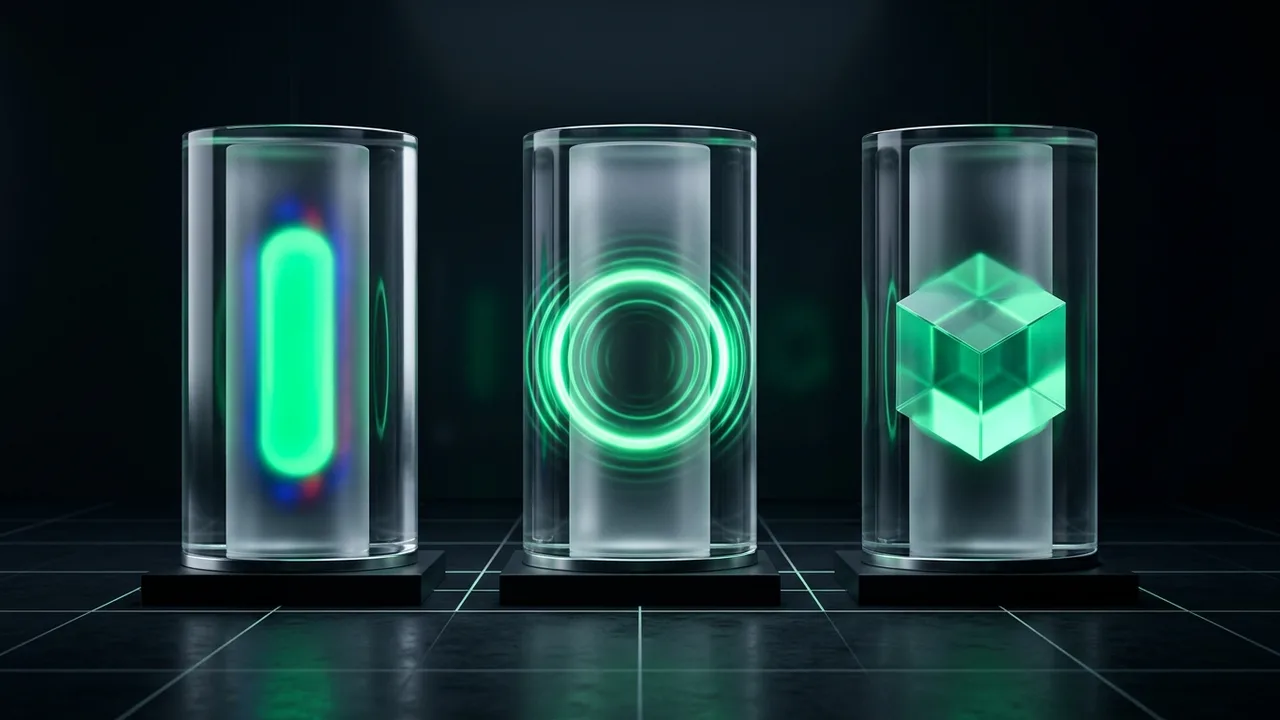
Core Web Vitals are three real-world user experience metrics measured by Google: Largest Contentful Paint (LCP ≤ 2.5s for loading speed), Interaction to Next Paint (INP ≤ 200ms for tap/click responsiveness) and Cumulative Layout Shift (CLS ≤ 0.1 for visual stability). To pass, at least 75% of recorded visits to a page group must meet all three targets.
The Three Metrics Translated into Everyday Experience
Technical acronyms can make performance reports intimidating during marketing meetings. In practice, each Core Web Vital maps to a straightforward question a visitor asks subconsciously when opening your site:
- Largest Contentful Paint (LCP — Target: 2.5 seconds or less): “Has the main content arrived?” It times how long it takes for the largest visible headline block or hero image in the viewport to render.
- Interaction to Next Paint (INP — Target: 200 milliseconds or less): “Did the page respond when I tapped that?” Replaced First Input Delay (FID) in March 2024 to measure responsiveness across the entire visit—not just the first click.
- Cumulative Layout Shift (CLS — Target: 0.10 or less): “Did the page stay still while I tried to read or tap?” It scores unexpected movement when images, ads or banners push text around without warning.
Why Lighthouse Scores Differ from Search Console Reports
A frequent source of confusion occurs when a developer runs a single Lighthouse test on a laptop, sees a green 95 score, yet Google Search Console still marks URLs as “Needs improvement”.
Lighthouse is a simulated lab test run once from a single machine. Search Console uses Chrome User Experience Report (CrUX) field data—real measurements aggregated over the past 28 days from opted-in Chrome users on their actual phones, networks and geographic locations. Google evaluates the 75th percentile, meaning if a quarter of your mobile visitors have slow devices or heavy pages, the URL group will be flagged.
Example Scenario
A B2B service website passes LCP easily on desktop (1.1s), where 60% of weekday office traffic browses. However, LinkedIn mobile campaign traffic lands on a service template featuring an uncompressed 2.4 MB hero banner, pushing mobile 75th-percentile LCP to 3.6s. Fixing that shared service template resolves dozens of flagged URLs simultaneously.
How Core Web Vitals Fit into Search and Conversion
Google documents Core Web Vitals as part of its page experience signals. Passing them will not rescue thin or irrelevant copy, nor does it guarantee a jump to position one. What passing does achieve is removing technical friction that causes impatient mobile visitors to hit the back button before reading your offer.
Better still, because Search Console groups pages by shared underlying template, fixing a single header script or hero image component often lifts every service and blog URL across your domain.
How Non-Technical Leads Can Brief Engineers Effectively
Instead of asking developers to “make the Lighthouse score 100”, share the specific URL groups flagged in Search Console, clarify which third-party marketing scripts are genuinely still required by the business, and allow a 28-day window after deployment for field validation to complete.
Key Takeaways
- LCP measures main content load (≤ 2.5s), INP measures interaction responsiveness (≤ 200ms) and CLS measures visual stability (≤ 0.1).
- Field data reflects 28 days of real visitors at the 75th percentile—not a single laptop test.
- Fixing shared layout templates delivers the highest return on engineering effort.
Standards & Documentation References
Related Service
Core Web Vitals Improvements
Focused engineering for Largest Contentful Paint (LCP), Interaction to Next Paint (INP) and Cumulative Layout Shift (CLS).